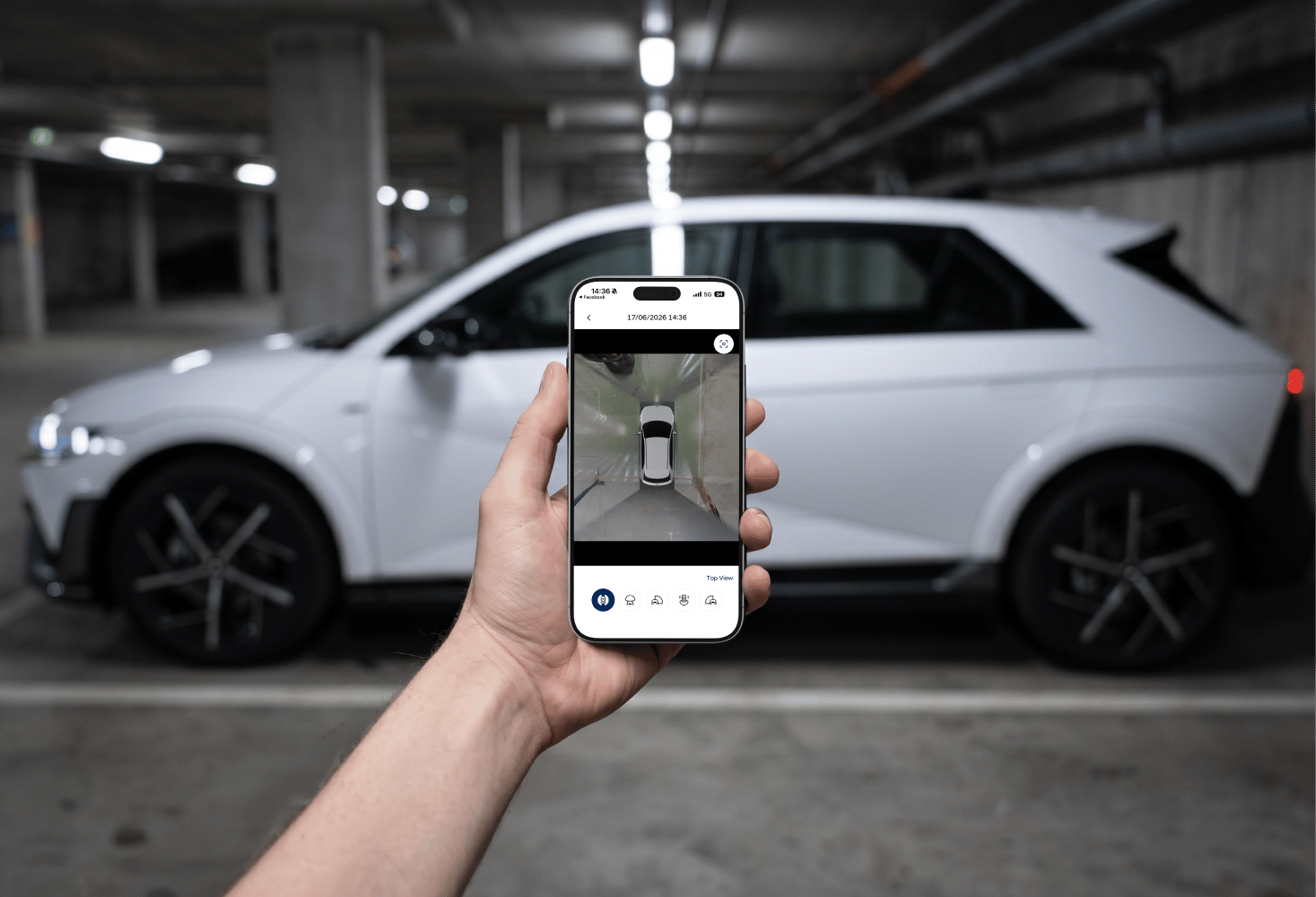
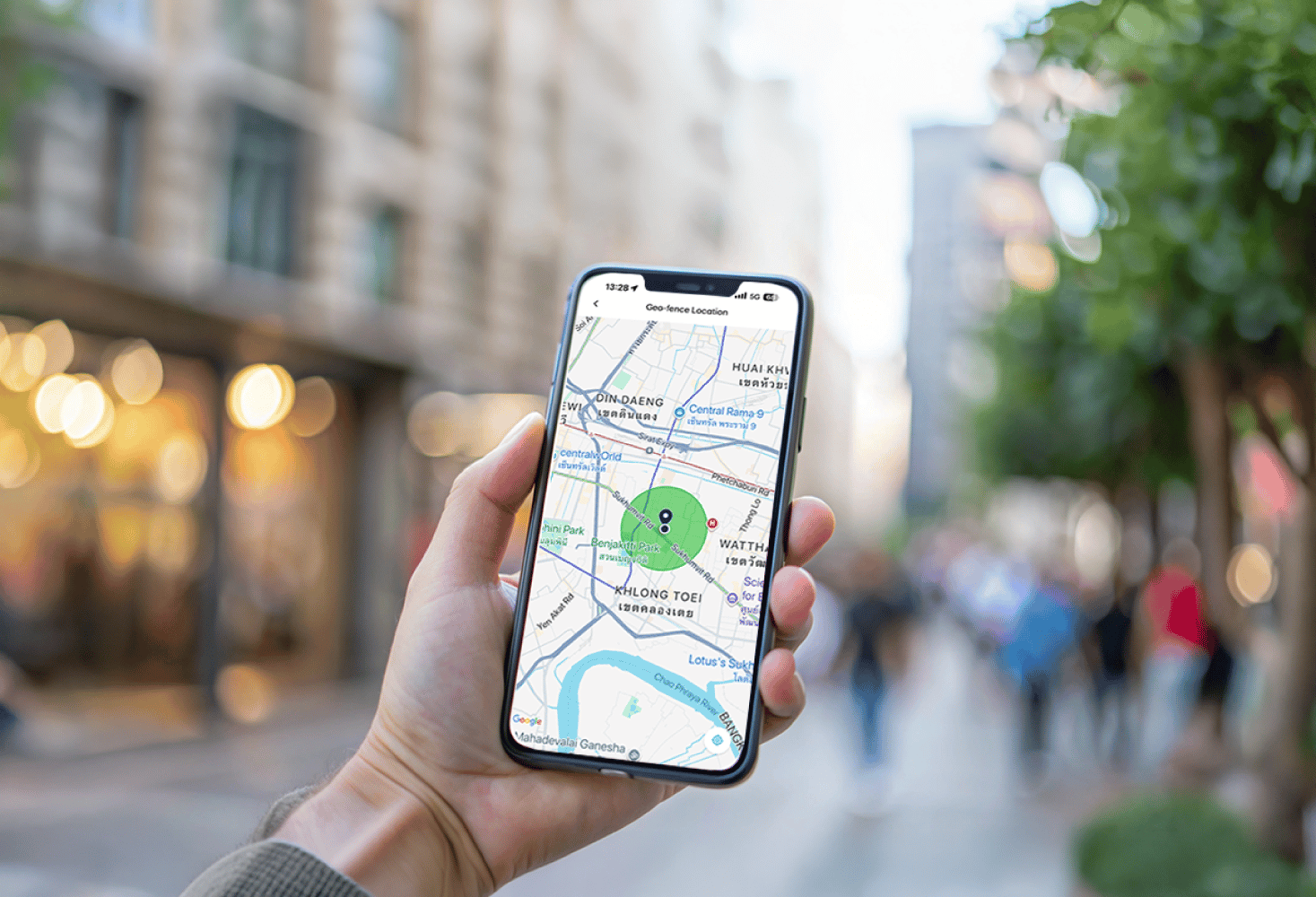
• Bluelink

An advanced connectivity technology that offers various safety, comfort, and convenience features for Hyundai vehicle users.

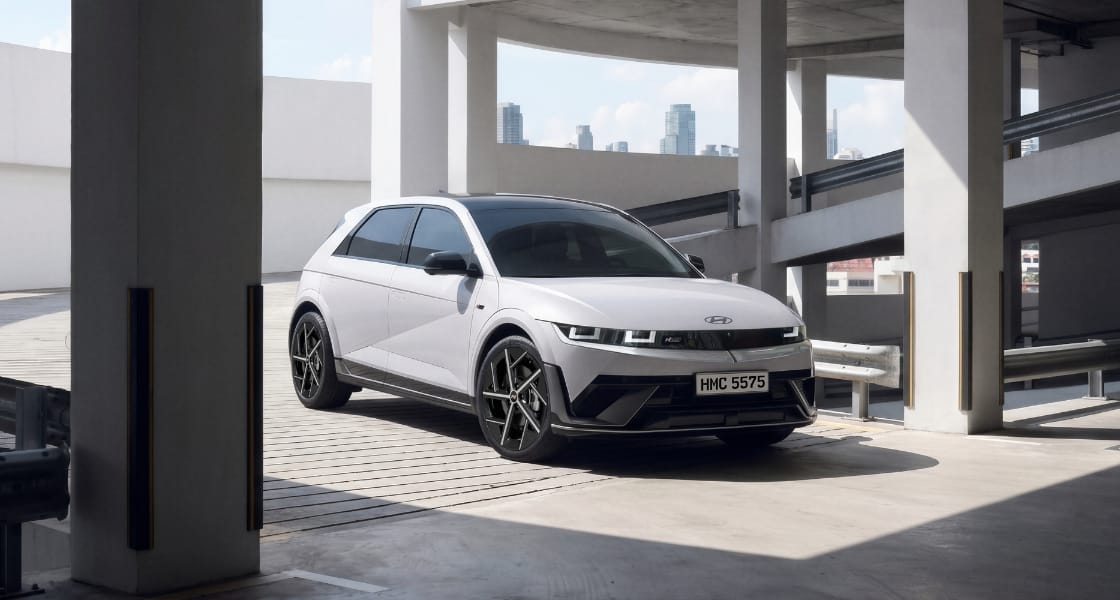
The new IONIQ 5 N Line

The new 2026 IONIQ 5 N Line

Now with Bluelink

Connected like never before.
The 2026 IONIQ 5 N Line marks the first time Bluelink comes to the N Line — putting the full power of smart connectivity in the hands of every performance-inspired driver.

Hyundai Bluelink® does it all. And does it all for you.

Hyundai Bluelink® Features

Access Hyundai Bluelink® Today

You are just 3 steps away to immerse yourself in a Hyundai Bluelink experience

Over-the-Air (OTA)

OTA software update (OTA: Over-The-Air) refers to the technology that updates software programs in your Hyundai
at the push of a button using wireless communication. This ensures your Hyundai is always up-to-date
with all the latest software for peak performance and driving pleasure.

OTA software update (OTA)

FAQ

About Hyundai Bluelink

What is Hyundai Bluelink?
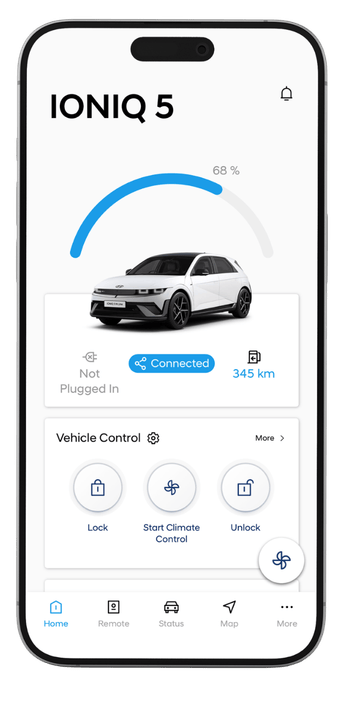
Hyundai Bluelink is a connectivity technology that allows Hyundai IONIQ 5 N Line owners to connect and have full access through your mobile phone.


Which phones are compatible with the Bluelink App?
You can access Bluelink from devices running Android 10 or higher and iOS 16.0 or higher.


Does Bluelink require a network connection to operate?
Yes, Bluelink services require a network connection to function.

Registration & Activation

I have just purchased a new Hyundai vehicle. Do I need to pay to register for Bluelink?

No, you do not need to pay to use the Bluelink service when purchasing a new Hyundai vehicle. Bluelink is available free of charge for the first three years with the purchase of a new Hyundai. After the 3-year free trial period, if you wish to continue using the Bluelink service, you will need to subscribe, and subscription fees will apply.


How do I register for Bluelink service?

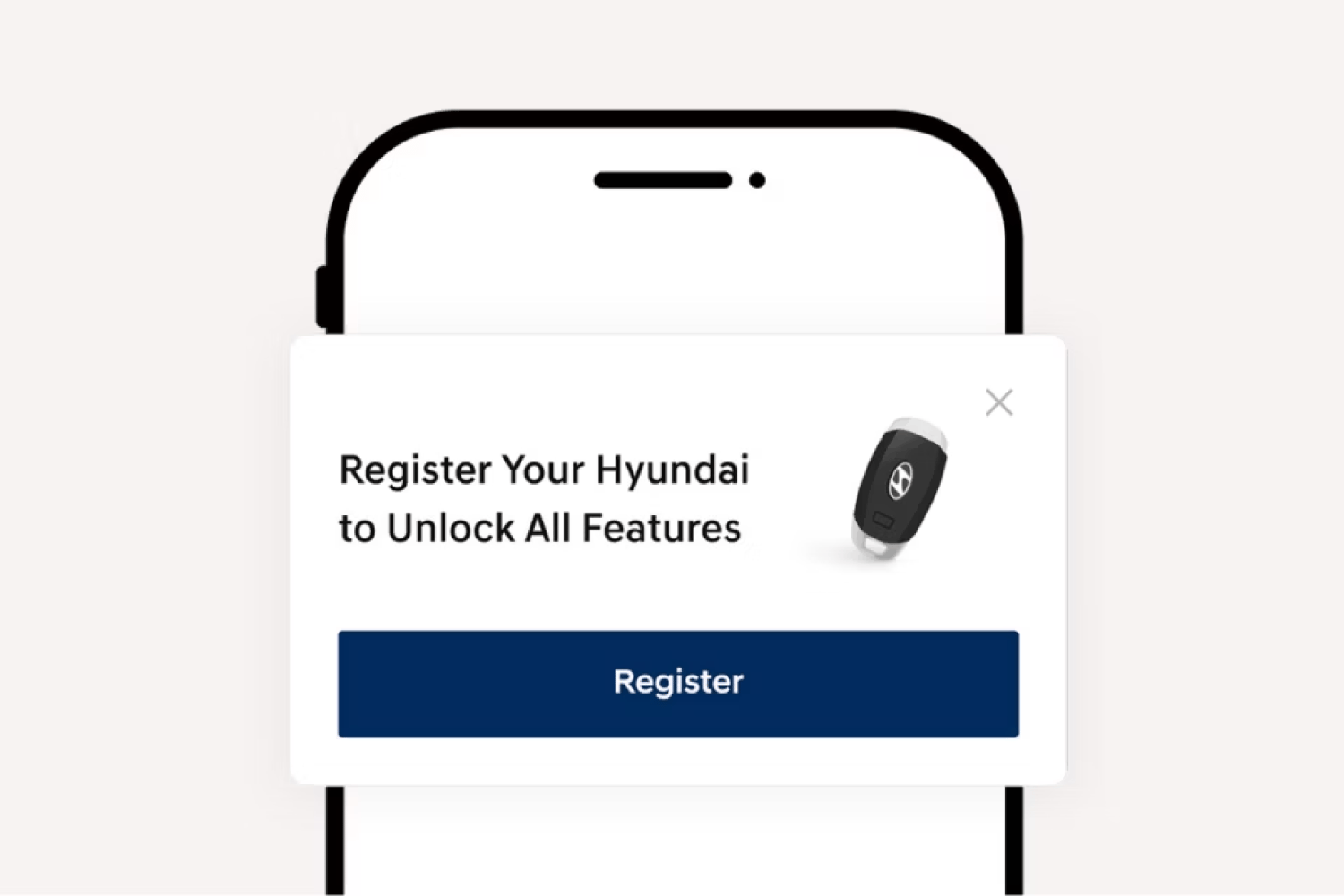
Bluelink can be registered through your in-car infotainment system or through the Bluelink app on your mobile phone. Registration through the infotainment system is simple and quick but will only be offered with a limited range of services due to privacy and security concerns. To use all services, you must register through the Bluelink App.

How do I register for Bluelink service?
1. Click the 'Activate Service' button from the Bluelink menu in the infotainment system.

2. Click 'Agree' to the Terms & Conditions and Privacy Policy.

3. Bluelink service will be activated and you are connected. To enjoy various services, please register through the Bluelink application on your mobile phone.

How do I register for Bluelink service from my phone?
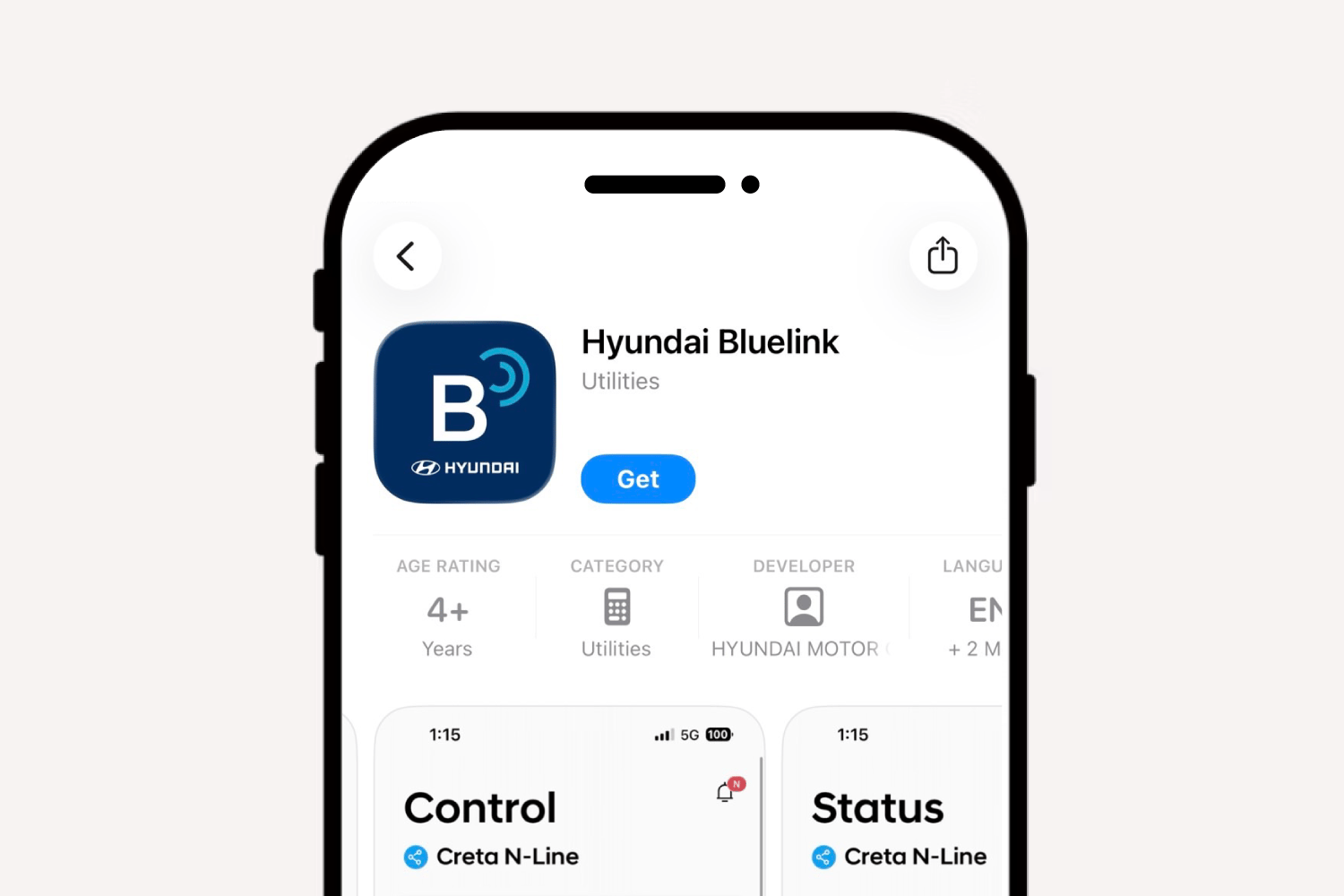
1. Download Bluelink app from the app store (Apple AppStore, Google PlayStore).

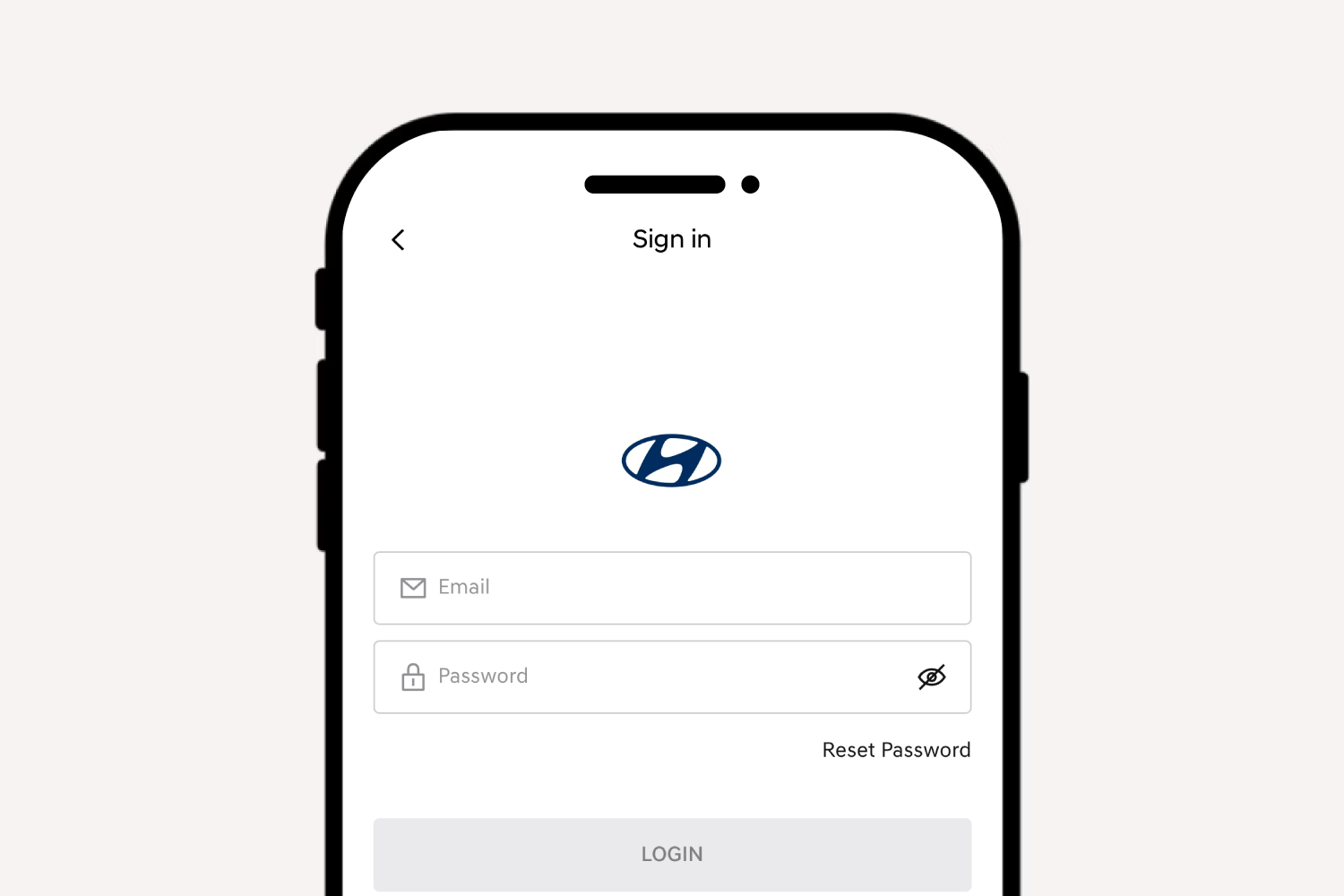
2. Create an account.

• Agree to the Terms of Use and Privacy Notice.
• Create a new account by entering your email address, a verification link will be sent to your email address.
• Verify your email address.
• Create your password, enter your name and date of birth. Click register to continue the process.
• Enter your phone number and captcha code, verify your phone number by entering the verification code.
• Set up a PIN number to approve remote features in the Bluelink app.

3. Add Vehicle in Bluelink app.
• Click Add to add a vehicle on the Vehicle Selection page.
• Agree to Bluelink Terms and Conditions and Privacy Policy.
• Scan the QR Code inside the vehicle or enter the VIN. After scanning the QR code, enter the verification code on your vehicle.
• Your vehicle information will appear in the Bluelink app, tap select vehicle to navigate to your Bluelink app Home screen.

Note: To complete this process, make sure you have physical access to your vehicle and that it is parked in a location with good cellular coverage.

I bought a used car. Can I use Bluelink?

Yes, of course. Bluelink is available to anyone, regardless of whether you are the first or second owner of the vehicle, as long as your vehicle is still under warranty or has a valid Bluelink subscription. If your vehicle is not registered to a previous owner, you can register Bluelink through the Bluelink app or call center (02-3058494). If your vehicle is already registered to a previous owner, you will need to contact the Bluelink call center to cancel the previous registration. Fees may apply after the service trial period ends.

Account Management

How do I change my password?
You can change your password from the “Account Settings” menu on the Bluelink app.

How do I change the phone number associated with my account?
You can change your phone number menu in the “Account Settings” menu in the Bluelink App. Click “ Reset Account” and then you will be logged out. You will be asked to re- login and after logging in , you will be asked to enter your new mobile number and verify with a one-time verification code.

Can I share Bluelink access with others?
Yes. The vehicle owner, who is the primary user of the Bluelink application, can authorize other users to share access to Bluelink services.
From the “Vehicle Selection” screen in the Bluelink application, tap “Share” beneath the vehicle you wish to share. Then, enter the mobile phone number of the person you would like to grant access to and create a PIN code for the sharing process.
Next, provide the PIN code to the invited user. Once the invited user receives the sharing notification and enters the same PIN code, the user will be able to access and use Bluelink services together with you.

I cannot receive GPS information. What should I do?
Check whether your vehicle is parked in an area with unstable GPS reception such as in an underground parking lot or between high-rise buildings, etc. If you move your vehicle to a location with good GPS reception, all functions will work normally. If the satellite reception is poor even in open areas, please contact the Bluelink call center.

Termination & Transfer of Ownership

I want to stop Bluelink service.
If you want to stop Bluelink service, you can cancel your account in the “Account Settings” menu on the Bluelink app. For security, you must contact the Bluelink call center and the service will be terminated after ownership is confirmed.

What should I do before selling my vehicle?
When transferring vehicle ownership, we recommend that you cancel the Bluelink service registration. Please contact the Hyundai Bluelink call center to assist you with Bluelink cancellation ( Un-enrollment ).

How can I transfer my Bluelink account ownership? What happens to my active subscription if I do?
To transfer ownership of your Bluelink account, including active subscription, to someone else, please contact the Bluelink support center to request account ownership transfer. After ownership verification, a Bluelink service operator will assist in registering your vehicle under the new approved owner. The Bluelink service will remain active until the end of the subscription period.

Bluelink Service center

Bluelink Call Center: 02-305-8494
E-mail: CRM@hyundai-thailand.com


Please wait