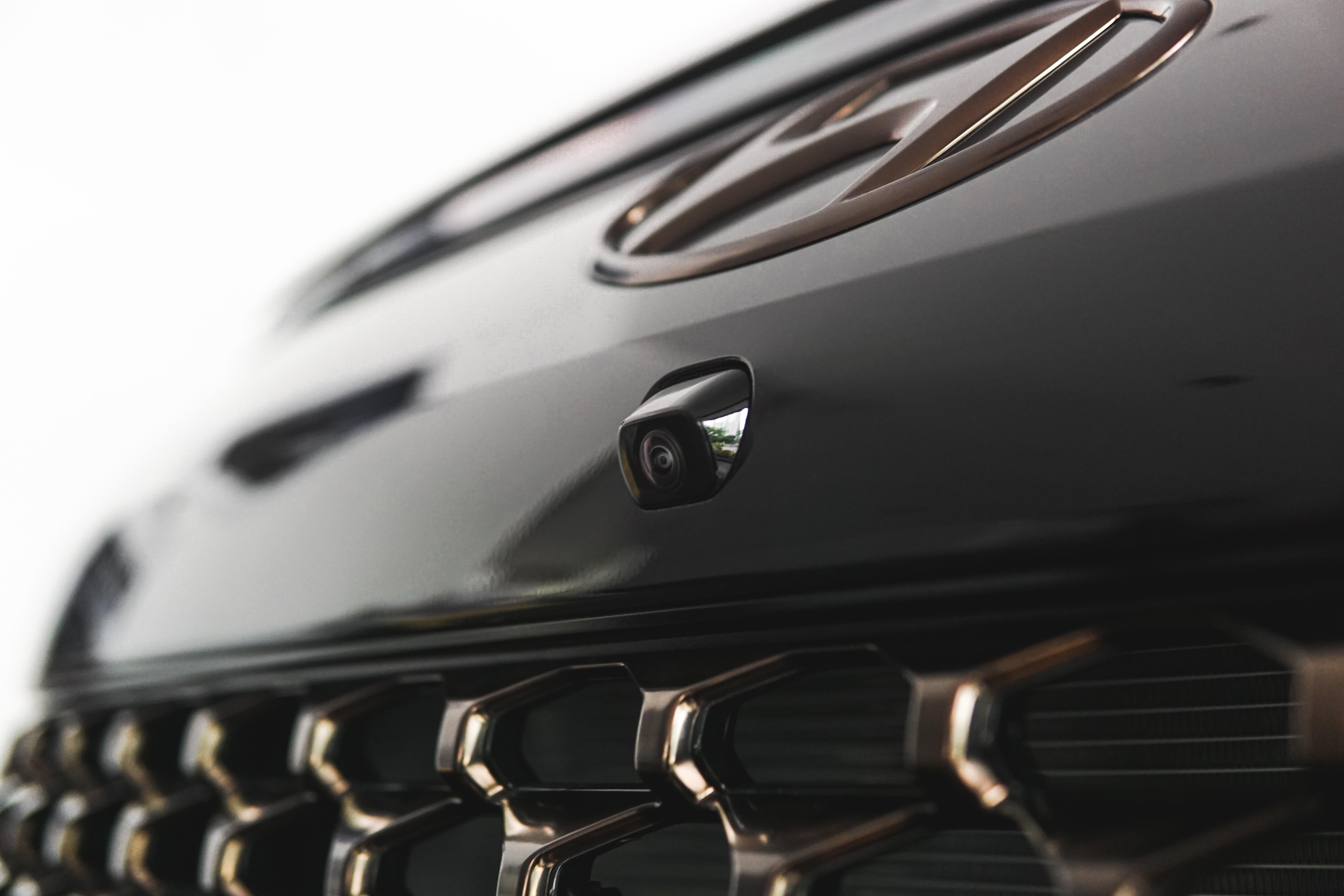
A parking camera is extremely helpful for drivers when parking, especially in tight and difficult spaces. Even experienced drivers must remain cautious when reversing — a slight misjudgment can lead to scratches from barriers or collisions with other vehicles.
To make parking even easier, many modern cars come equipped with parking sensors or proximity sensors, usually located on the bumper. These sensors measure the distance to objects in front or behind and emit beeping sounds that get faster as the car gets closer to an obstacle.
As a result, parking cameras and sensors have become standard features in today’s vehicles, helping drivers park accurately. Let’s explore their functions, maintenance tips, and the latest 360-degree parking camera technology available on the Hyundai The All-New PALISADE.
Functions of a Car Parking Camera
The presence of a parking camera offers various useful functions for drivers in different parking situations and conditions.
Easier Parking
Normally, you’d have to turn your head to look behind while keeping both hands on the wheel — a tiring and highly focused task. With a parking camera, you no longer need to do that. The camera lets you monitor everything behind the vehicle effortlessly.
Thanks to the parking camera, the entire parking process becomes much simpler without twisting your body or neck to check surroundings.
Awareness of Surroundings
Beyond just easing parking, rear or reverse cameras are excellent for monitoring the area around your car — for example, spotting another vehicle suddenly approaching in a crowded lot or seeing parking barriers that are hard to notice with the naked eye.
In tight spaces, it’s often difficult to check if anything is nearby. With a parking camera, the driver can confidently confirm the area is clear.
Improved Visibility in Rain & at Night
During heavy rain, rear visibility is severely limited, requiring extra caution when reversing. However, a weather-resistant rear parking camera delivers clear images even in pouring rain.
These cameras also provide excellent visibility at night, which is invaluable when parking in poorly lit areas.
Preventing Collisions with Nearby Objects
This is the biggest concern when parking, especially in very tight spaces. Fortunately, parking cameras combined with sensors alert the driver as the car approaches an object.
Sensors start beeping at around 1.5 meters, beeping faster as you get closer. When the object is 0.5 meters or less, the beep becomes continuous.
The rear camera can detect various objects, including walls. A red warning usually appears on the head unit screen when the sensor detects a close object.
Helping Novice Drivers
Finally, parking cameras are a huge help for beginner drivers. Those still getting used to parking or who lack quick reflexes find it much easier to maneuver in limited or narrow spaces — no more worrying about hitting another car or scraping paint.
How to Maintain a Car Parking Camera
What if your parking or reverse camera stops working? Regular maintenance can prevent serious damage.
Spraying Water and Wiping
For parking sensors, gently spray water and wipe them clean. Avoid high-pressure water and prolonged spraying to prevent damage.
For the camera lens, simply wipe it with a soft, clean cloth — microfiber works best — to avoid scratches.
Never Paint Over Sensors or Cameras
When repainting or touching up your car, always protect the sensors and cameras from paint. Paint can block their function and reduce sensor sensitivity.
The Rise of 360-Degree Parking Cameras
The 360-degree parking camera (also known as Surround View or All-Around View) is one of the hottest features in modern cars. Cameras are placed at every corner — front grille, under side mirrors, and rear.
Connected to advanced software, these cameras stitch together a complete 360-degree view, eliminating blind spots. Most systems offer top-down and bird’s-eye views, giving drivers a drone-like perspective of the vehicle and its surroundings.
This advanced technology is already featured in the Hyundai Palisade. Four integrated cameras are positioned on the front grille, doors, and under each side mirror glass.
When reversing, two camera views appear on the head unit navigation screen. The Palisade also includes dynamic guidelines that show not only the car’s current position but also where it will end up based on steering input.
The 360-degree parking camera on the Hyundai Palisade gives drivers a clear, comprehensive view of the vehicle’s position relative to surrounding objects.
That concludes our guide to the functions and features of Hyundai parking cameras. We hope this helps you better understand and maintain your system for safer, stress-free driving.