• ev charging

EV Charging Made Easy with myHyundai app

  • Icon
    FOR ALL EVs – Available to users of Hyundai EV and other EV brands*.
  • Icon
    600+ CHARGING STATIONS – Operated by Hyundai or partner EV charging stations.
  • Icon
    EASY PAYMENT – Top up via QRIS, virtual accounts, cards and e-wallets.

How to use myHyundai – EV Charging

1

Install
myHyundai app.

myHyundai
2

Create account
or login to app.

Select menu
“EV Charging”.

3

Register VIN for
Hyundai EV user.

Select model for other
EV brands user.

4

Top up EV Token
balance.

Then scan QR
and plug-in the
charger gun.

5

Ensure charger status
already “Preparing”.

Then select “Start Charging”
button on app.

Hyundai EV Charging Stations Tariffs (per Oct 2026)

  Energy Fee Admin Fee Idle (Parking) Fee Service Fee
Definition Electricity usage fees Platform usage fees Incurred when charger remains connected after transaction complete and grace period expired DC Fast Charging usage fees
Tariff
Details
Vary depends
on location
Rp 3.000 / transaction exclude Hyundai EV users.
  • Grace period 15 minutes
  • After that, per minute
    - DC : Rp 1.000
    - AC : Rp 500
Rp 1.581 / kWh until
40 kWh or maximum
Rp 63.270
Location All charging stations operated by Hyundai Only EV Charging Station at Plaza Indonesia

Partner EV Charging Station Tariffs (accessed via myHyundai app)

Subject to the agreed-upon rate policy

partner

*Some Hyundai public charging stations are only available for Hyundai EV, find details on myHyundai app.
*Hyundai dealer chargers are non-commercial and available only for Hyundai EVs.
Find more information (location, tariff, etc) about our partner EV charging stations in myHyundai app.

Find Nearby Hyundai Charging Station

Search Result

Frequently Asked Questions

User Access

What are the benefits of EV charging with the myHyundai app?
1. For all EVs - Available to users of Hyundai EVs and other EV brands*.
2. 600+ charging stations - Operated by Hyundai or partner EV charging stations.
3. Easy payment - Top up via QRIS, virtual accounts, cards, and e-wallets.


Are all Hyundai EV charging stations or chargers available to the public?
1. Some Hyundai EV charging stations are available only for Hyundai EV; find details in the myHyundai app.
2. Chargers at Hyundai dealerships are for non-commercial use only and are available only for Hyundai EV.
3. Find information about Hyundai Partner EV charging stations (locations, rates, etc.) in the myHyundai app.


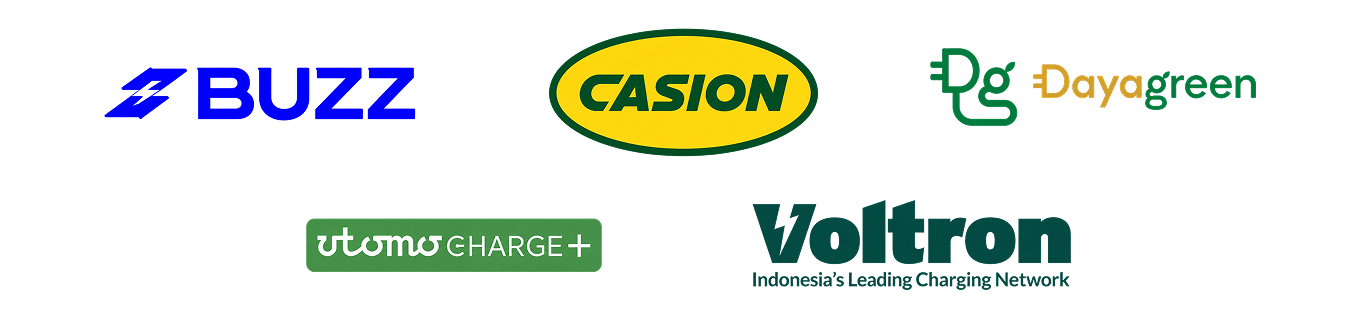
Can the myHyundai app be used for EV charging at partner charging stations such as Voltron, Daya Green, Casion, Charge+, and Buzz?
Yes, you can use the myHyundai app. For details on the availability of connected chargers, check the “EV Chargers” menu in the myHyundai app.


Can the EV Charging Card still be used?
1. Yes, but only at specially marked Hyundai EV charging stations; see the myHyundai app for details.
2. The EV Charging Card is no longer being produced or sold.

If you’re charging EV at Hyundai EV Charging Station using myHyundai app :
1. New rates implemented by Hyundai as of October 1, 2026, apply.
2. Rate consists of energy fee, admin fee, idle (parking) fee and service fee for using DC Fast Charging.
3. Idle (parking) fee applies when the charger connector remains connected after the transaction is complete and the grace period (15 minutes) has expired. Applies at all Hyundai EV charging stations.
4. Admin fee covers the use of the myHyundai app platform for EV charging.
5. Service fee covers the use of the DC Fast Charging equipment. Applies only at the Plaza Indonesia EV charging station.
6. See the table for details.


If you’re charging EV at Partner EV Charging Station using myHyundai app :
1. Follow the agreed-upon rate policy (details are available in the myHyundai app).
2. Currently available for Voltron, Daya Green, Casion, Charge+, and Buzz chargers.


If you are charging EV at Hyundai EV charging station using Partner app :
1. Follow the agreed-upon rate policy (details are available in the Partner app).
2. Currently available only for the Casion and Daya Green apps.

What do I need to do to start EV charging with the myHyundai app?
1. Install the myHyundai app from the Apple Store or Google Play Store.
2. Create an account and log in to the myHyundai app.
3. Once you’re on the home screen, select the “EV Charging” menu.
4. Register your VIN if you’re a Hyundai EV owner, or select your EV model if you drive an EV from another brand.
5. Top up your EV Token balance. Payment options include virtual accounts, QRIS, credit/debit cards, and e-wallets.
6. Then scan the QR code on the charger and connect the charger connector to your EV.
7. There is a 3-minute timeout for connecting the charger connector to the EV. If the timeout occurs, unplug and then reconnect the charger connector to the EV.
8. After scanning the QR code, make sure the charger status shows “preparing” and the message “cable plugged in, charging ready to start” appears.
9. Then select “start charging” to begin.
10. To end the session, you can select “stop charging.”

If you encounter any issues related to EV charging; such as topping up your EV token, EV charging billing, or errors with the app or charge. Please contact customer care via:
1. myHyundai Customer Service: +62 881 8878 878 (WhatsApp)
2. General Hyundai Customer Service: +62 800 1878 878 (phone calls only)

Please wait